
Earning apps have become extremely popular in Pakistan, especially among users who look for mobile-based income opportunities, gaming rewards, and task-based platforms. These apps are easy to install, simple to use, and often provide different ways to interact such as games, referrals, and daily rewards. This guide explains everything in a detailed blog format so you can understand why login errors happen and Fix Login errors without confusion.
However, one of the most common problems users face is login errors in earning apps. Sometimes the app refuses to open, sometimes it shows invalid details, and in many cases, users get stuck at the login screen without knowing the real reason.
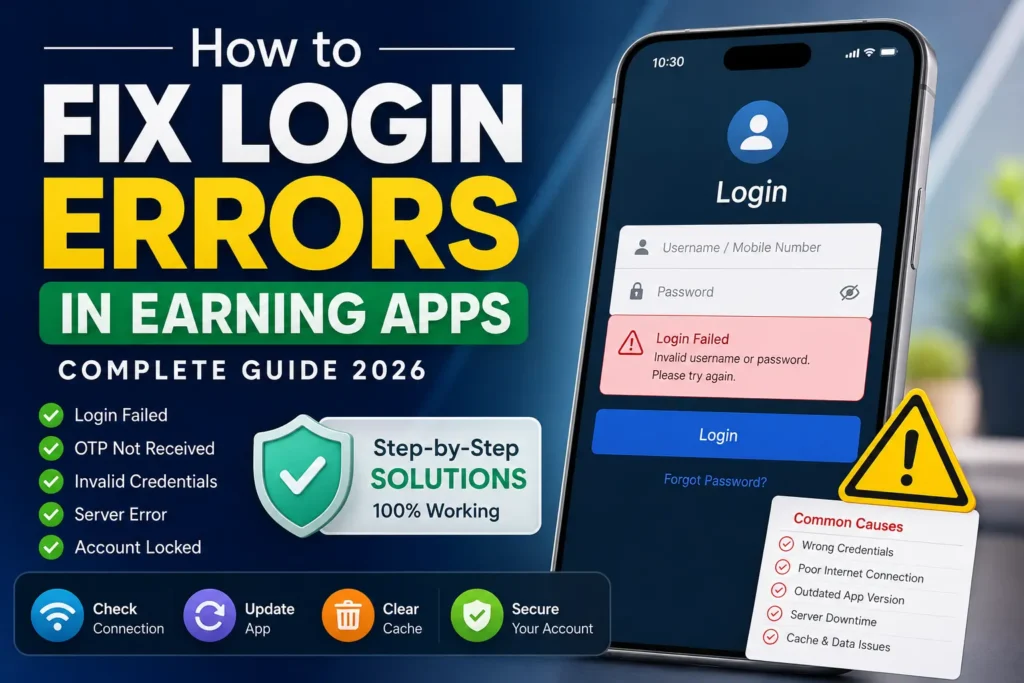
Understanding Login Errors in Earning Apps
A login error simply means the app is unable to verify your account details and allow access to your dashboard.
In most earning or gaming applications, login works through a server-based system. When you enter your mobile number, email, or password, the app sends a request to its server for verification. If something goes wrong during this process, the login fails.
Common error messages include:
- Invalid username or password
- Login failed, please try again
- Network error occurred
- Server not responding
- Account does not exist
These issues are not always serious. In most cases, they are temporary or related to user-side settings.
Why Login Problems Happen in Earning Apps
Login issues usually do not happen randomly. There are always specific technical or user-related reasons behind them.
1. Incorrect Login Details
One of the most common reasons is entering wrong credentials. Many users accidentally:
- Add extra spaces
- Use wrong number format
- Forget updated passwords
- Mix up email and phone login methods
Even a small mistake can block access.
2. Weak or Unstable Internet Connection
Earning apps rely heavily on real-time server communication. If your internet is slow or unstable, the login request may fail before reaching the server.
This is especially common in low-network areas or during peak usage hours.
3. App Server Issues
Sometimes the problem is not on your side at all. The app itself may be:
- Under maintenance
- Experiencing high traffic
- Facing temporary downtime
In such cases, login will not work for anyone until the server is restored.
4. Outdated App Version
Many earning apps update frequently. If you are using an older version, it may stop working properly.
Old APK versions often become incompatible with updated servers, leading to login failure.
5. Cache and Stored Data Problems
Apps store temporary files (cache) to improve speed. Over time, these files may become corrupted and interfere with login functionality.
6. Account Restrictions or Security Blocks
If an app detects unusual activity, it may temporarily:
- Restrict login attempts
- Block suspicious accounts
- Require verification again
This is done for security purposes.
7. Device or Compatibility Issues
Some apps do not support older Android versions or low-performance devices. This can result in repeated login errors or app crashes.
Step-by-Step Solutions to Fix Login Errors
Now let’s move toward the practical solutions. Try these methods one by one until your issue is fixed.
Step 1: Double-Check Your Login Information
Start with the basics:
- Re-enter your username or phone number carefully
- Make sure there are no spelling mistakes
- Ensure correct password capitalization
- Try using “Forgot Password” if needed
This solves a large number of login problems instantly.
Step 2: Fix Your Internet Connection
A stable connection is very important for earning apps.
Try the following:
- Switch from Wi-Fi to mobile data or vice versa
- Turn airplane mode on and off
- Restart your router
- Move to a stronger network area
After improving the connection, try logging in again.
Step 3: Update the App to the Latest Version
If you are using an APK file, outdated versions are a major cause of login failure.
You should:
- Uninstall the old version
- Download the latest APK from a trusted source
- Install it again
Updated versions usually fix bugs and server compatibility issues.
Step 4: Clear Cache and App Data
This is one of the most effective fixes.
To clear cache:
- Go to Settings
- Open Apps section
- Select the earning app
- Tap Clear Cache
If the problem continues, also select Clear Data.
This removes corrupted files and refreshes the app system.
Step 5: Wait and Retry During Server Issues
If the app server is down, there is nothing you can fix manually.
In this case:
- Wait for 15–60 minutes
- Try again later
- Check app announcements if available
Server downtime is usually temporary.
Step 6: Reinstall the Application
If nothing works, reinstalling the app is often the best solution.
Steps:
- Uninstall the app completely
- Restart your phone
- Install a fresh copy of the APK
- Log in again
This resets everything and removes hidden errors.
Step 7: Reset Your Password
If login still fails, reset your password:
- Click on “Forgot Password”
- Enter registered phone or email
- Verify OTP
- Create a new strong password
Then try logging in again.
Step 8: Disable VPN or Proxy
Many earning apps block VPN users due to security filters. If you are using a VPN, turn it off before logging in.
Step 9: Check Device Compatibility
Make sure your device meets basic requirements:
- Updated Android version
- Enough storage space
- Sufficient RAM
- No system restrictions
Older devices may struggle with newer app versions.
Step 10: Contact Customer Support
If all methods fail, contact the app’s support team:
- Provide your registered details
- Explain the error clearly
- Share screenshots if possible
Support teams can manually reset or verify your account.
Quick Troubleshooting Table
| Issue | Reason | Fix |
|---|---|---|
| Invalid login | Wrong details | Reset password |
| App not loading | Internet issue | Fix connection |
| Login failed | Server issue | Wait and retry |
| OTP not received | Network delay | Retry or change SIM |
| App crash | Cache problem | Clear cache |
| Blocked account | Security issue | Contact support |
Tips to Avoid Login Problems in Future
- Always keep your app updated
- Use strong and memorable passwords
- Avoid multiple login attempts
- Do not use modified or fake APKs
- Keep a stable internet connection
- Log out properly after use
Conclusion
Login errors in earning apps are very common, but most of them are easy to fix with simple troubleshooting steps. In many cases, the problem comes from outdated apps, weak internet, or incorrect login details rather than serious technical faults.
By following the methods explained in this guide, users can quickly regain access to their accounts and continue using their favorite earning platforms without interruption.
For users of platforms like pakapk.com.pk, it is always recommended to download updated APK files from trusted sources and maintain proper app hygiene to avoid repeated login issues.